
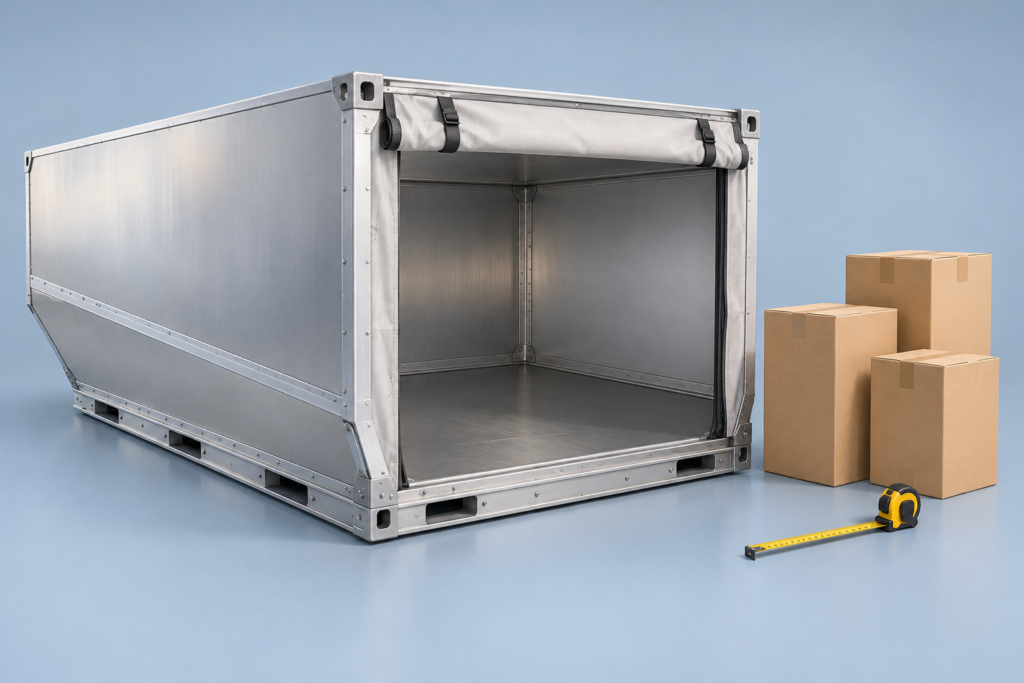
The AKE / LD3 is a contoured air-cargo container. Its catalogue dimensions are useful for identifying the equipment family, but they are not a rectangular cargo-clear space. A reliable carton plan must use the actual internal contour, door opening, tare and operating restrictions.
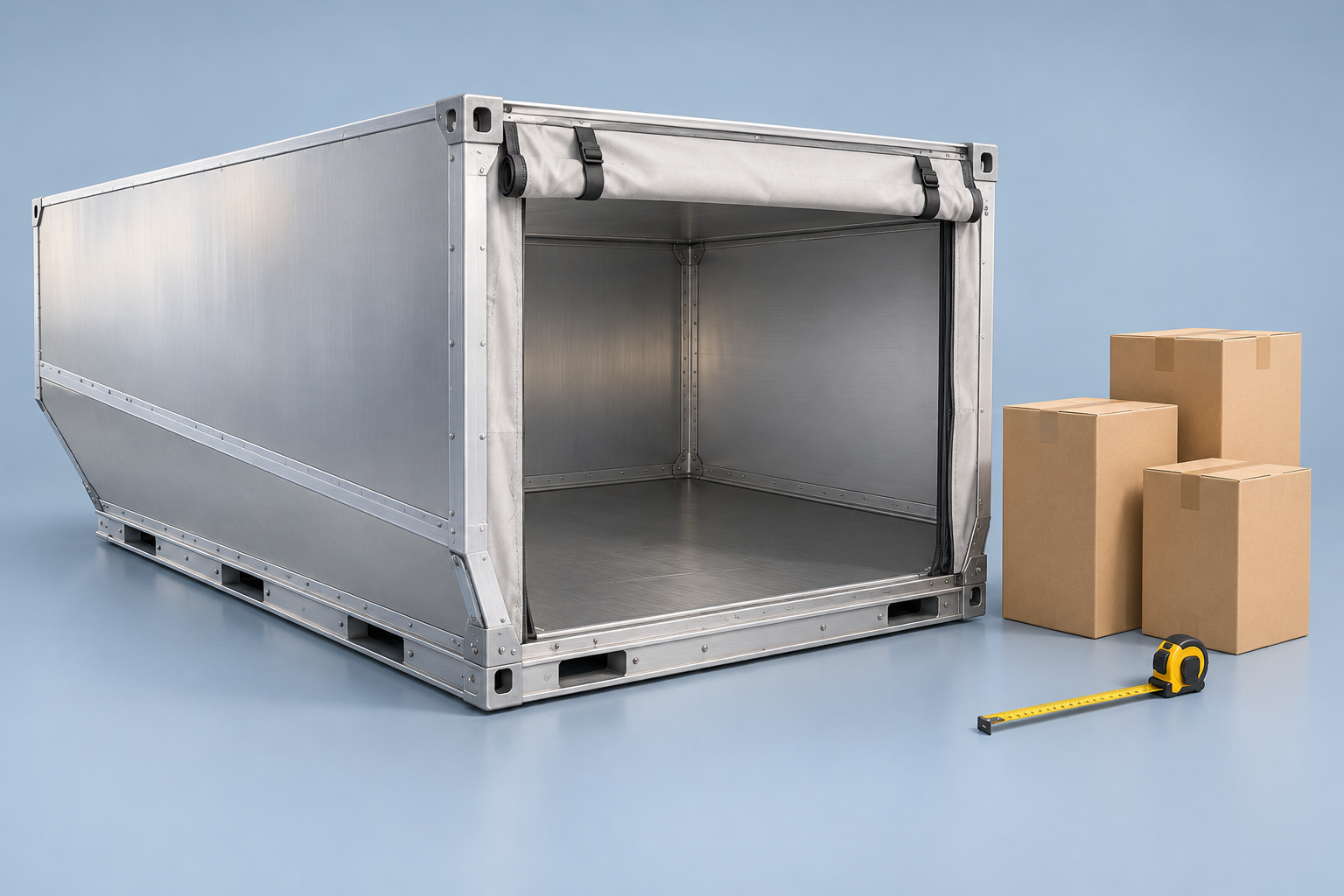
LD3 / AKE nominal dimensions
Unilode’s AKE specification lists a 156 x 153 cm base, 163 cm height, 201 cm upper span, 4.3 m3 nominal usable volume and 1,588 kg maximum gross mass. These are catalogue references, not the complete interior of every AKE supplied by an airline.
Do not multiply the widest upper span by the full depth and height and call that the usable volume. The lower contour occupies some of that bounding rectangle. The access opening is a separate constraint.
What the CBM3 LD3 model represents
| Software field | CBM3 11.63.56 | Interpretation |
|---|---|---|
| Depth x maximum width x height | 144 x 193 x 153 cm | Planning envelope, not a manufacturer drawing |
| Lower / upper width | 146 / 193 cm | Simplified cross-section |
| Assumed tare / cargo allowance | 73 / 1,515 kg | Software assumptions, not the measured unit |
| Door opening | Not specified | Separate verification is required |
The source review for this profile establishes the equipment family and gross reference, not every interior coordinate. Smaller-looking dimensions do not prove that a simplified shape is conservative at every height. Treat the model as a preliminary comparison, not a certified loading envelope.
How to prepare an LD3 carton plan
- Enter outside packed dimensions and positive whole-number quantities for each item type.
- Use Horizontal Only for upright goods. Full 3D Rotation is an explicit packaging permission, not a way to make an unsuitable shipment acceptable.
- Enter actual item mass and preserve fragile, stacking and maximum supported-weight restrictions.
- Compare placed and unplaced quantities rather than relying only on a percentage-filled graphic.
- Check the resulting plan against the specific ULD interior, doorway and handler requirements before physical loading.
You can prepare inputs in the 3D cargo planner. Do not enable an extra palletization step merely because the selected load space is an air-cargo unit; any real internal pallet or base must be accounted for explicitly.
A volume example, not a fit guarantee
Ten cartons of 60 x 40 x 40 cm total 0.96 m3. If each weighs 20 kg, cargo mass is 200 kg before additional equipment. Both arithmetic checks can pass while a particular orientation or access path still fails. A complete load needs all of those checks, not just CBM and weight.
Common LD3 questions
Is AKE the same planning shape as AKH?
No. Do not reuse a result across the two profiles. Consult the AKH reference and availability notice for that separate equipment task.
Does a green weight result approve an aircraft position?
No. It reports the configured software check. The airline or handling operator must confirm acceptance for the actual flight, unit and position.
Reference and review scope
Named reference: Unilode Aviation Solutions, ULD Specifications, AKE / LD-3 entry, checked on 9 October 2026. Software fields were separately checked against the frozen CBM3 11.63.56 catalogue. The AI illustration is not a dimensional source. Browse the equipment guides for other load-space types.
How to inspect and hand over a loading plan
Use the selected plan and the complete shipment data. Recheck the result after changing cargo, equipment or handling rules.
See every cargo unit in context
Search the cargo inventory, focus on an item and switch between realistic, operational, top and side views. Inspect pallet layers and height sections.
The inventory separates requested units, units in the selected container, units in other containers and unplaced units. Select a row to find its cargo in the scene; playback and height sections show only part of the complete plan.
Use pallet details to inspect full, partial and mixed pallets. A height section filters the view; it does not remove cargo from the plan. Vehicle bodies and wheels provide visual context.
Prepare clearer warehouse instructions
Use product colors and short codes, named groups and delivery stops. Choose a summary or warehouse PDF for the selected plan.
Assign product colors and short codes to connect the cargo table, 3D view and reports. Group and stop names improve instructions; apply the appropriate loading rules when a sequence must be enforced.
Compare verified alternatives and review any manual moves. A manual reallocation affects the current preview and PDF; saved or shared inputs recalculate the automatic arrangement when reopened. Export again after changes.
Read the estimated center of gravity
Review longitudinal, lateral and height coordinates from known cargo and pallet masses. Check the displayed origin and units before comparing plans.
The estimate assumes each item's mass is centered and excludes vehicle tare. Missing or stale additional-material records can leave the complete-load assessment unavailable; explicitly declare none when no extra materials are present.
Coordinates use the load-space frame, not road height. For Step Deck, X starts at the raised front end and Y at the lower-deck datum; axle-form distances run from the rear toward the cab.
Distinguish the loading unit from its carrying vehicle
This loading unit alone does not define an axle configuration.
Inspect cargo and pallet weight distribution in this loading space. A container, swap body or air-cargo unit does not identify the road chassis, rail wagon or aircraft carrying it.
Axle estimates are available after selecting a supported complete road or rail vehicle. Enter its actual mounting positions, full empty reactions and applicable limits; do not reuse a trailer reference as container or aircraft approval.