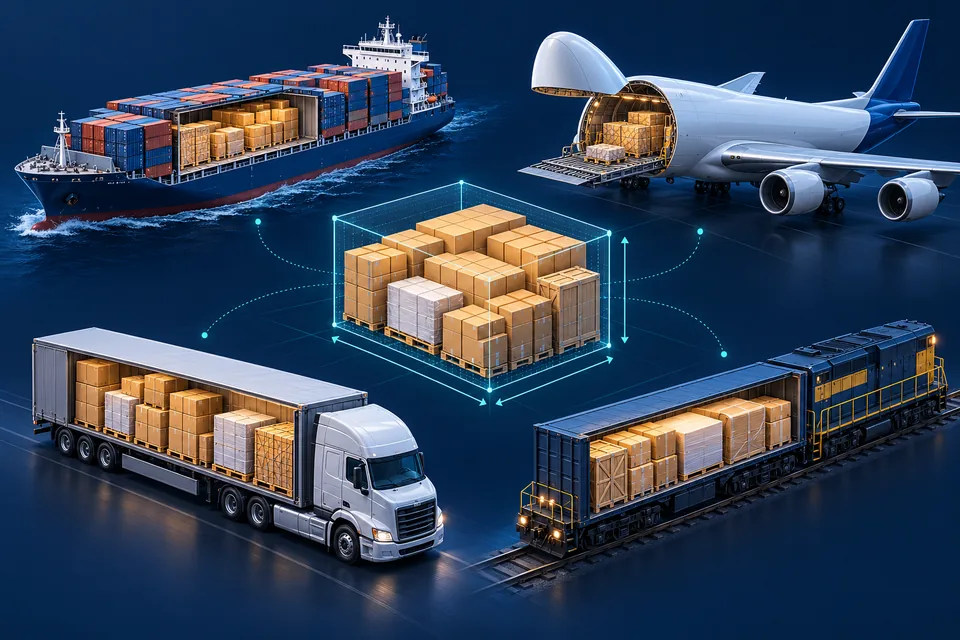
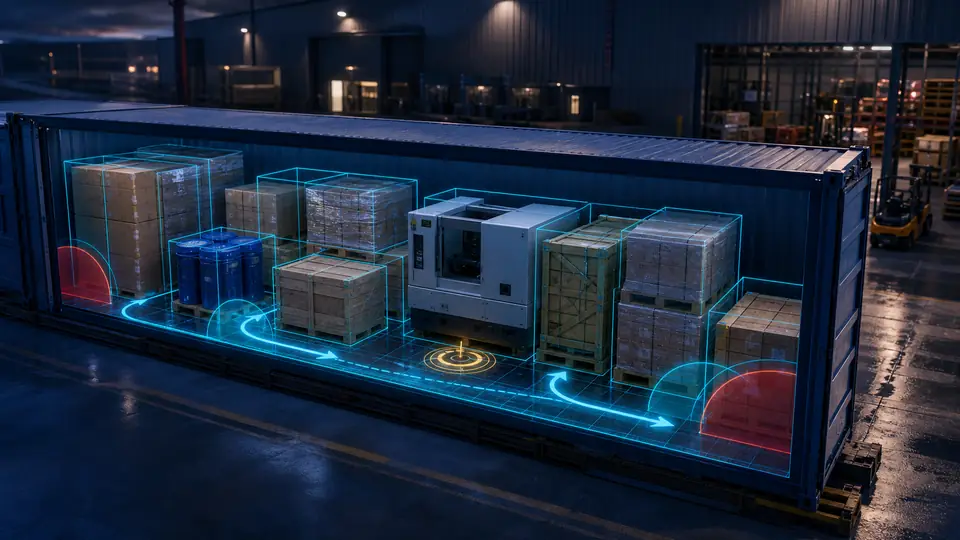
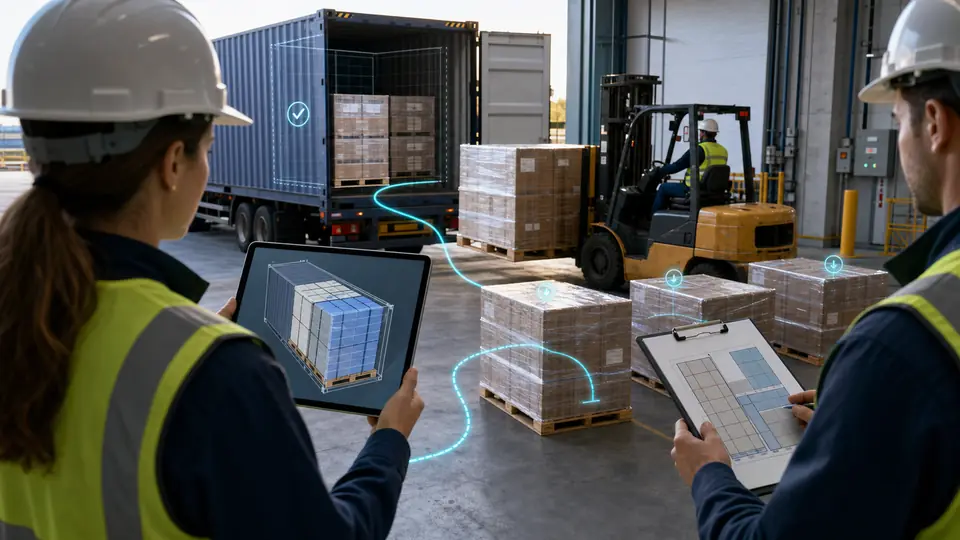
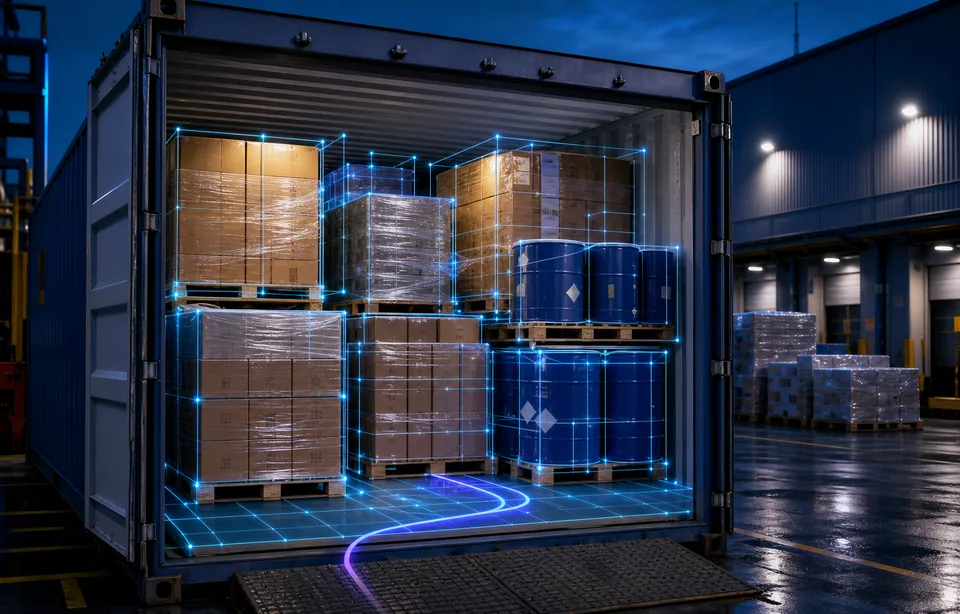
Bekijk vóór het laden hoe uw goederen in de laadruimte passen. Met CBM3 maakt u 3D-laadplannen voor zeecontainers, luchtvrachteenheden, vrachtwagens, opleggers en goederenwagons. U kunt ook eigen afmetingen voor een laadruimte op maat invoeren.
Voer afmetingen, aantallen en gewichten in. Controleer daarna de 3D-indeling, het ruimtegebruik en de geplaatste en niet-geplaatste goederen. De schattingen hangen af van het gekozen profiel en uw invoer.
Zee, lucht, weg, spoor en laadruimtes op maat. Illustratieve weergave.
3D-containerlaadcalculator en CBM-calculatorVERSION 11.63.84
Niet-opgeslagen wijzigingen in de ladinggegevens. Sla uw berekening op voordat u deze pagina verlaat.
💾 Berekening opslaan
🔍 Laden door code op te slaan
Voer de opslagcode in (bijvoorbeeld CBM-ABC123) om een opgeslagen berekening te laden.
1 USD = 1.00 USD
⌨️ Snelkoppelingen:Ctrl+N Nieuwe rijCtrl+S OpslaanCtrl+Z Ongedaan makenCtrl+Y Opnieuw uitvoerenEnter Rij toevoegen (in laatste rij)Tab Volgende veld
📚 Productbibliotheek 0 artikelen▼
Producten worden toegevoegd met aantal 1. Handmatig ingevoerde producten gebruiken standaardregels; sla een vrachtregel op om de laadregels te behouden.
Nog geen opgeslagen producten. Sla een rij op om uw bibliotheek op te bouwen.
Alleen voor doosvormige eenheden met vlakke, stijve, dragende vlakken in toegestane standen. Het zwaartepunt wordt in het midden verondersteld; alleen statisch evenwicht wordt gecontroleerd, niet transportkrachten of druksterkte.
📥 Importeren vanuit CSV/Excel
▼
Upload CSV, TSV of Excel. Gebruik het sjabloon voor eenheden en laadregels. De lengte mag leeg zijn voor cilinders. Ongeldige rijen verschijnen voordat u kiest wat u importeert.
📤 Gegevens exporteren
▼
Lading-CSV/XLSX bevat geen privé-CSC/VGM-registraties. Draag deze afzonderlijk over via Privéregistratiebestanden.
Exporteert de huidige tabelgegevens samen met de nieuwe laadbeperkingen en berekeningsresultaten zoals volume, dichtheid en vrachtklasse.
Filename: CBM_Export_YYYY-MM-DD.csv/xlsx
🕒 Berekeningsgeschiedenis 0 records▼
De laatste 10 berekeningen worden automatisch opgeslagen. Klik om te herladen.
Nog geen geschiedenis. Berekeningen worden automatisch opgeslagen.
📋 Sjablonen Opgeslagen sjablonen: 0▼
Sjablonen bewaren nu ook productbeperkingen zoals pallet vereist, rotatiemodus, deze zijde boven, breekbaar, max. stapelgewicht, laadprioriteit en afleverstop.
Nog geen sjablonen opgeslagen.
📁 Mijn gegevens 0▼
Uw opgeslagen berekeningen. Klik om te herladen.
Nog geen opgeslagen berekeningen.
🚢 Laadruimte en eenheden
Laadruimte
Geen bijpassende containers
Schematische pictogrammen, niet op schaal. Controleer de afmetingen en beperkingen van het gekozen profiel.
Aangepaste containerafmetingen
Mijn uitrusting
Benaderend ULD-model
Alleen voor voorlopige planning. Dit model is niet goedgekeurd door een vervoerder of fabrikant. Of de lading past en daadwerkelijk geladen kan worden, is niet vastgesteld. Controleer de binnenmaten, deuropening en vervoerderseisen vóór het laden.
Voer een rechthoekige planningsruimte in cm in. Binnenmaten worden niet afgeleid uit foto’s of buitenmaten. Schuine uitbreidingen tellen niet mee. De ingevoerde laadgewichtslimiet is een aanname, geen geverifieerde capaciteit; zonder waarde wordt het laadvermogen niet beoordeeld.
Instellingen open laadplatform
Voer vóór planning het operationele profiel van dit materieel in.
Resultaten zijn planningshulpmiddelen. Controleer voertuig, route, wettelijke limieten en ladingzekering.
Algemene laadregelsWorkflowversneller
Workflowversneller
Laadpresets per sector
Pas bewezen startregels toe en stem daarna elke regel of planregel af op de zending.
Past alleen de gekozen startwaarden toe. Daarna kunt u elke waarde wijzigen.
Materieelbeperkingen
Mijn vrachtafmetingen zijn exclusief pallets
Deze ULD is al een container of vliegtuigpallet; geneste palletisering is uitgeschakeld.
📦 PalletconfiguratieGedeelde zendingsinstellingen verschijnen zodra een regel pallets gebruikt.
Open voor een tweede palletlaag de geavanceerde stapelinstellingen voor beladen pallets, schakel de optie in en vul de geverifieerde gewichtslimiet in. Stapelbaar in de invoerregel geldt alleen voor goederen op een pallet.
De regelbediening bepaalt hoe elk product pallets gebruikt. Deze gedeelde instellingen definiëren de Auto Compare-pool, de standaardhoogte van de zending, groepen en geavanceerd stapelen.
Vink alleen profielen aan die Auto Compare mag beoordelen. Een vaste keuze in een regel hoeft hier niet te worden aangevinkt.
Geavanceerde profieltoewijzing
Optionele volgorde voor Auto Compare. Vaste palletkeuzes worden in elke productregel gemaakt.
Vereiste gegevens voor generieke pallets
Vul de werkelijke dekhoogte in. Tara en laadlimiet zijn optioneel; zonder deze waarden blijft de gewichtscontrole ongeverifieerd.
Geavanceerd stapelen van geladen pallets
Dit is een door de gebruiker opgegeven bedrijfsregel, geen palletcertificaat. Volledige ondersteuning, een vlakke bovenzijde en niet-breekbare stapelbare lading blijven vereist.
⚠️ Aangepaste specificaties actief: nominale waarden overschreven
Afmetingen: -
Volume:0.000m³
Omgerekend: 0.000ft³
Specificaties negeren (alleen sessie - reset bij opnieuw laden van pagina)
Afmetingen zijn geschatte industriestandaarden. Afhankelijk van de fabrikant en de vervoerder kunnen er kleine variaties optreden.
Transportmodus
Wilt u ook de vrachtkosten berekenen?
🚢 Zeevrachtprijzen
✈️ Luchtvrachtprijzen
🚛 Prijzen voor vrachtvervoer over de weg
Spoorvrachttarief
Kosten worden alleen uit de ingevoerde wagenofferte berekend. Controleer vervoerder, route en toeslagen.
CBM3
Totaal aantal artikelen
Stel verwerkings- en routebeperkingen in voor deze ladingregel.
Artikelnaam
Breedte [cm]
x
Lengte [cm]
x
Hoogte [cm]
Aantal
Gewicht/st [kg]
Totaal [kg]
Volume [m³]
Dichtheid (kg/m³)
Geschatte klasse
Acties
Aantal toe te voegen rijen: 1–100
Alleen voor voorlopige planning. Dit model is niet goedgekeurd door een vervoerder of fabrikant. Of de lading past en daadwerkelijk geladen kan worden, is niet vastgesteld. Controleer de binnenmaten, deuropening en vervoerderseisen vóór het laden.
📊 Samenvatting
📦Totaal volume:
0.000m³
0.000ft³
Totale hoeveelheid0
Net Cargo Volume (Pallet Excluded)
0.000 m³
⚖️Subtotaal lading / pallets
0.0kg
0.0lb
Logistics & Freight
N/A
💰 Belastbaar gewicht:0.0 kg
⚖️ Volumetrisch gewicht:0.0 kg
Geschatte vrachtklasseN/A
Subtotalen voor lading/pallets en vrachtkostenramingen sluiten extra verpakkingsmaterialen en de tarra van het materieel uit. Dit is niet de volledige beladen massa.
Totaal aantal rijen:0
Laadruimtes in het plan:0
Geselecteerde laadruimteAutomatic
○
Klaar voor ladinggegevensVoer afmetingen en aantallen in om het laadplan te berekenen.
0
Resultaat van gelijke setsResultaat gelijke aantallen FCL
Gelijke sets0
Per SKU0
Totaal aantal stuks0
📦 Palletconfiguratie
Pallets nodig
0
Subtotaal lading / pallets
0kg
Subtotalen voor lading/pallets en vrachtkostenramingen sluiten extra verpakkingsmaterialen en de tarra van het materieel uit. Dit is niet de volledige beladen massa.
Gem. palletvulling
0%
Laadruimte
—
📏 Loading Metres (LDM)
LDM:— / 13.6 m
0%
Floor positions: —
Subtotalen voor lading/pallets en vrachtkostenramingen sluiten extra verpakkingsmaterialen en de tarra van het materieel uit. Dit is niet de volledige beladen massa.
✈️ Chargeable Weight
Actual Weight:—
Volumetric Weight:—
Chargeable Weight:—
ℹ️ Divisor:
🚚 Informatie over vrachtklasse:
Schatting op basis van de ingevoerde ladingsdichtheid. Controleer het NMFC-artikel, de verpakte afmetingen en de eisen voor behandeling, stuwbaarheid en aansprakelijkheid.
🚢
Verzendaanbeveling
N/ASelecteer een container en voeg vracht toe om de aanbeveling te zien
⭐ ⭐ Best passende container
Voeg vracht toe en selecteer een zeecontainer om de Best Fit-aanbeveling te zien.
💡 💡 Verpakkingsoptimalisatie
Voeg vrachtgegevens toe en selecteer een container om intelligent inpakadvies te zien.
🌍 🌍 Vergelijking van transportmodi
Vergelijking van volumetrisch gewicht en kosten in alle modi
💡 💡 Slimme inzichten
ℹ️ Hoe het werkt: belastbaar gewicht = max. (werkelijk gewicht, volumetrisch gewicht). Vervoerders brengen kosten in rekening op basis van wat het hoogste is. Volumetrische factoren: Zee 1:1000, Lucht/IATA 1:167, Weg 1:333. Voer hierboven een prijs in om de geschatte vrachtkosten te zien.
Voor koelcontainers is 3D-visualisatie niet beschikbaar.
🎮 🎮 3D-laadsimulatie
Alleen voor voorlopige planning. Dit model is niet goedgekeurd door een vervoerder of fabrikant. Of de lading past en daadwerkelijk geladen kan worden, is niet vastgesteld. Controleer de binnenmaten, deuropening en vervoerderseisen vóór het laden.
Weergave
Camera
De buitenkant van het materieel is illustratief. In de realistische weergave kunnen nabije wanden worden verborgen om de lading te tonen; laadruimteafmetingen en laadregels blijven gelijk.
0 / 0
Laadplan voor meerdere containersBekijk elke container en niet-geplaatste lading afzonderlijk.
ℹ️ Step Information
Item:—
Dimensions:—
Weight:—
Drop-off Stop:—
Alternatieve laadplannen
Vergelijk laadplannen
Kies het plan dat capaciteit, balans of magazijnhandling het beste ondersteunt.
3 scenario?s
Uw keuze bepaalt de samenvatting, 3D-weergave, PDF, opgeslagen berekening en gedeelde link.
Pareto-verkenner
Vergelijkt niet-gedomineerde voltooide plannen zonder een andere solver te starten.
Openbare planoverdrachtDit laadplan delenStuur een bewerkbare planlink naar klant, magazijn of logistiek team.
Laadmethode:
Transportcontrole
⚖️ Gewichtsverdeling
Achterkant:—
Voorkant:—
📊 Volumegebruik
📦 Volume
0%
⚖️ Gewicht
0%
🧾 Offerte / aanvraag maken
Vul uw gegevens in om een professionele offerte-pdf te genereren of te versturen via WhatsApp/e-mail.
Alleen de details van de geselecteerde modus verschijnen in de gegenereerde PDF-offerte.
Details zeevracht
Details luchtvracht
Details wegtransport
Spoorvrachtdetails
Kosten worden alleen uit de ingevoerde wagenofferte berekend. Controleer vervoerder, route en toeslagen.
📎 Afbeeldingen bijvoegen: Ctrl+V plakken of slepen en neerzetten (PNG/JPG/GIF/WEBP, max. 2 MB)
🔒 Uw gegevens worden alleen lokaal in uw browser opgeslagen. Wij verzamelen of verzenden uw gegevens niet.
📂 Recente citaten
Er zijn nog geen offertes gegenereerd.
Vergelijk vier gangbare containerprofielen
Gebruik de cataloguswaarden als vertrekpunt en toets uw echte lading in de calculator.
Alleen planningswaarden. Controleer de binnenmaten, deuropening en toegestane nuttige lading van de werkelijke container bij de vervoerder.
Containerbelading simuleren in 3DOf uw zending past, hangt van meer af dan kubieke meters. Test de te verzenden aantallen met hun verpakte afmetingen, beschikbare laadruimte en werkelijke laadvoorwaarden.
Van goederenlijst naar laadplan
Containerbelading simuleren in 3D
Of uw zending past, hangt van meer af dan kubieke meters. Test de te verzenden aantallen met hun verpakte afmetingen, beschikbare laadruimte en werkelijke laadvoorwaarden.
Volume is nog geen laadplan
CBM meet het vrachtvolume. Een 3D-laadplan houdt ook rekening met afmetingen, aantallen, oriëntatie en stapelregels. Voldoende vrij volume bewijst niet dat alle dozen daadwerkelijk geplaatst kunnen worden.
Test de aantallen van uw zending
Kies 20DC (20GP), 40DC (40GP) of 40HC (40HQ), voer verpakte afmetingen, aantallen en gewichten in en controleer geplaatste en overgebleven goederen. Standaardplanning test het ingevoerde aantal; maximale capaciteit of het kleinste aantal containers wordt niet gegarandeerd.
Maak onderscheid tussen palletiseren en beladen pallets
Voer de buitenmaten, totale hoogte en het brutogewicht van de beladen pallet in en tel palletbasis en eigengewicht één keer mee. Houd de pallet rechtop. Respecteer bij palletiseren de palletverplichting en sta vloerbelading alleen toe voor regels die dit toestaan.
Controleer het resultaat vóór het laden
Het is een planningshulpmiddel op basis van uw invoer, geen ontwerp voor ladingzekering of transportgoedkeuring. Controleer overgebleven goederen, waarschuwingen, werkelijke materieellimieten en de eisen van de transportverantwoordelijken.
Huidige functies
Containerlaadplanning van goederenlijst tot laadplan
Kies een laadruimte, stel de toegestane draaiingen en stapeling in en vergelijk indelingen met dezelfde gegevens. Gebruik de containerlaadcalculator om het laadplan te controleren en als PDF te delen. De uitkomst is planningsondersteuning, geen ladingzekeringsplan of toestemming voor vervoer.
Aanbevolen
Best Fit containeradvies
Start met Best Fit - Automatic voor een automatisch zeecontaineradvies. Kies een reefer, trailer, ULD of palletprofiel handmatig wanneer dat nodig is. Bij het wisselen tussen cm/kg en inch/lb blijven de werkelijke ladinggegevens en het huidige laadplan behouden. Voer een positief geheel aantal in. Gebruik een punt of komma als decimaalteken, zonder scheidingstekens voor duizendtallen, en herstel ongeldige rijen vóór het plannen.
Automatisch zeecontaineradvies
Handmatige keuze blijft mogelijk
Reefers, trailers, ULD's en palletprofielen worden handmatig gekozen
Helpt sneller richting 1x40HC-achtige planning
Containerbelading simuleren in 3D
Controleer de indeling, laadvolgorde en niet-geplaatste goederen. Standaard is alleen horizontaal draaien toegestaan; sta volledig 3D-draaien uitsluitend toe voor geschikte goederen. Houd beladen pallets rechtop en behoud de werkelijke stapelbeperkingen.
Stap-voor-stap playback
Interactieve 3D-weergave
Controle van rotatie en plaatsing
PDF-klare planningsoutput
Maak onderscheid tussen palletiseren en beladen pallets
Voer de buitenmaten, totale hoogte en het brutogewicht van de beladen pallet in en tel palletbasis en eigengewicht één keer mee. Houd de pallet rechtop. Respecteer bij palletiseren de palletverplichting en sta vloerbelading alleen toe voor regels die dit toestaan.
Professionele PDF-export
Genereer PDF-uitvoer die cargodata, planningsresultaten en warehouse notes in één document combineert. De dichtheid wordt afhankelijk van de gekozen eenheden weergegeven in kg/m³ of lb/ft³. Freight Class is een schatting op basis van dichtheid, geen definitieve NMFC-classificatie. Eerder opgeslagen overzichten behouden hun historische waarden.
Loading Note in PDF
Deelbaar klantdocument
Ondersteuning voor warehouse handoff
Meertalige workflow
Gebruikersdashboard
Open berekeningen opnieuw, bekijk previews en houd opgeslagen werk georganiseerd met extra zakelijke context.
Preview vóór laden
Status-, klant- en projectvelden
Tags en filters
Taalbewuste dashboardervaring
Opslaan en delen
Houd records beschikbaar via save-, share- en code-based reopen-flows zonder publieke toegang te breken. Controleer CSV- en Excel-rijen in het voorbeeld voordat u ze importeert. Fouten blijven zichtbaar; alleen geldige rijen importeren vereist uw uitdrukkelijke keuze. Eenheden worden uit de kolomkoppen gelezen. Kies bij oudere bestanden zonder eenheden zelf de oorspronkelijke eenheden.
Opgeslagen berekeningen
Deelbare links
Publieke saved plan code-ondersteuning
Samenwerking in teams
Bekijk uw 3D-containerlaadplan in detail
Controleer lading, magazijninstructies en gewichtsverdeling voordat u het laadplan overdraagt.
01
Vind elke laadeenheid terug
Zoek in de ladinglijst, focus op een artikel en wissel tussen realistische, operationele, boven- en zijaanzichten. Bekijk palletlagen en hoogtedoorsneden.
02
Maak duidelijke magazijninstructies
Gebruik productkleuren, korte codes, groepsnamen en afleverstops. Kies een overzichts-PDF of een laadrapport voor het magazijn.
03
Lees het geschatte zwaartepunt
Bekijk lengte-, breedte- en hoogtecoördinaten uit bekende lading- en palletmassa's. Controleer de oorsprong en eenheden.
04
Bekijk aanpasbare aslasten
Ondersteunde weg- en spoorprofielen tonen 2, 4 of 5 aslasten, ingevoerde grenzen en benutting. Toon of verberg de kaarten in de simulatie.
Kies het plan dat capaciteit, balans of magazijnhandling het beste ondersteunt.
▦
Maximaal volume
Houdt de lading compact om de bruikbare laadruimte te maximaliseren.
⚖
Beste balans
Geeft prioriteit aan een gecentreerde gewichtsverdeling en stabiele lading.
▦
Deeper Search
Vergelijkt blokindelingen en laadvolgordes van dozen om de containerruimte beter te benutten.
⚡
PRO Optimization
Zoekt maximaal 90 seconden naar een beter plan voor dozen en rechtopstaande cilinders. Bij vroegtijdig stoppen blijft het beste gecontroleerde plan tot dan toe behouden.
⇢
Eenvoudig laden
Spreidt lading over de vloer om stapelen te beperken en handling te vereenvoudigen.
▰
Stabiliteit eerst
Geeft voorkeur aan meer ondersteuning, draagreserve, een lager zwaartepunt en een gelijkmatiger bovenvlak.
⌁
Route eerst
Vermindert omgekeerde stops en conservatieve herverplaatsingen zonder veiligheidsregels te versoepelen.
⌕
Maximaal volume v2
Voert een deterministische diepere zoekactie uit die niet slechter kan zijn dan het huidige Maximaal volume-plan.
▤
Laagopbouw
Bouwt regelmatige wanden en lagen voor geschikte rechthoekige dozen.
✓
Uitvoerbare volgorde
Verifieert na de definitieve plaatsing een conservatieve laadvolgorde van deur tot positie.
⚖
Aslastbewust
Valideert reacties bij elke stop wanneer een onderbouwd voertuig- en asprofiel beschikbaar is.
Harde veiligheidscontroles hebben altijd voorrang op algemene voorkeuren en voorkeuren op rijniveau. Zoekbudgetten zijn limieten, geen vaste wachttijden of garantie op het optimale resultaat.
Geavanceerde planningsinstellingen
Algemene laadregels & Materieelbeperkingen
Pas planbrede beperkingen toe vóór voorkeuren op rijniveau. Modelleer een echte laadruimte met optionele deuropening, wielkasten en vaste interne obstakels. Lege velden behouden het huidige plangedrag.
Algemene laadregels & MaterieelbeperkingenPas planbrede beperkingen toe vóór voorkeuren op rijniveau. Modelleer een echte laadruimte met optionele deuropening, wielkasten en vaste interne obstakels. Lege velden behouden het huidige plangedrag.
Algemene laadregels
Pas planbrede beperkingen toe vóór voorkeuren op rijniveau.
Groepen gescheiden houdenMeng lading uit verschillende invoerregels niet in dezelfde planningsgroep.
Strikte stopvolgordePlaats latere afleveringen dieper zodat de volgende stop bereikbaar blijft.
Gedeeltelijke ondersteuning toestaanSta stapelen toe tot de gecontroleerde minimale ondersteuningsdrempel.
Harde veiligheidscontroles hebben altijd voorrang op algemene voorkeuren en voorkeuren op rijniveau.
Laadpresets per sector
Pas bewezen startregels toe en stem daarna elke regel of planregel af op de zending.
Aangepaste regelsPas bewezen startregels toe en stem daarna elke regel of planregel af op de zending.
MeubelsBreekbare, niet-stapelbare meubels met oriëntatiebescherming en eenvoudig lossen.
Gemengde magazijnpicksHoud vrachgroepen gescheiden, respecteer de stopvolgorde en maak lossen eenvoudiger.
Past alleen de gekozen startwaarden toe. Daarna kunt u elke waarde wijzigen.
Materieelbeperkingen
Modelleer een echte laadruimte met optionele deuropening, wielkasten en vaste interne obstakels. Lege velden behouden het huidige plangedrag.
DeuropeningVrije breedte (cm) · Vrije hoogte (cm)
WielkastenStart vanaf x=0 (cm) · Lengte (cm) · Insteek per zijde (cm) · Hoogte (cm)
Vaste interne obstakelsReserveer niet-laadbare ruimte voor stijlen, machines of andere vaste uitrusting.
Geen materieelbeperkingen actief.
Palletiseer mijn lading
Mijn vrachtafmetingen zijn exclusief pallets
Automatisch (beste pasvorm)Mijn vrachtafmetingen zijn exclusief pallets
Pallet vereistMijn vrachtafmetingen zijn exclusief pallets
Vloerbelasting OKMijn vrachtafmetingen zijn exclusief pallets
Mijn vrachtafmetingen zijn exclusief pallets
Laadruimtes
Plan zeecontainers, wegmaterieel, wagons, ULD’s en pallets in één kiezer
Gebruik geverifieerde zee-, weg-, spoor- en luchtprofielen met pallets en aangepaste ruimtes.
Containerinhoud en laadvermogen zijn benaderingen. Controleer de exacte binnenmaten, het laadvermogen en de vervoerderslimieten van het gebruikte materieel.
🚢
Zeecontainers
20' droge container (20DC)
40' droge container (40DC)
40' hoge kubus (40HC)
45' hoge kubus (45HC)
20' High Cube Palletwide
20' Open Top High Cube
40' High Cube Palletwide (SeaPC+)
45' High Cube Palletwide
40 ft High Cube-reefer (40RHC)
🚛
Wegtransport
Standaardaanhangwagen (13,6 m)
Mega Trailer (13.6m)
26 ft North American Dry Freight Body
48 ft North American Flatbed
48 ft North American Step Deck
🌍 Vergelijking van transportmodi
💡 De gewichtslimiet is gebaseerd op het maximale laadvermogen van de geselecteerde container. Als u de 90% overschrijdt, wordt er een waarschuwing geactiveerd.
✈️
Luchtvracht en ULD’s
ULD LD3-container (AKE)
ULD LD7-pallet van 88 inch (PAG/PAJ/P1P)
ULD PMC-pallet van 96 inch (P6P)
Swiss WorldCargo LD11 Pallet (PLA/PLB)
ANA Cargo AKH (LD3-45WF)
ANA Cargo DQF (LD8)
Lufthansa Cargo DPE (LD2)
✈️ Betaalbaar gewicht
📦
Pallets en maatwerkruimtes
Mijn palletprofielen
Aangepaste pallet
Aangepaste container
Vloerbelasting OK
🚆
Spoorvracht
BNSF 60 ft Plate-F Boxcar
Trinity 66 ft Mill Gondola
Geen automatische volumefactor of standaardkosten voor spoor. Bevestig de offerte.
Hoe het werkt
Van vrachtafmetingen naar een gecontroleerd laadplan
Van vrachtafmetingen naar een gecontroleerd laadplanVerstuur een PDF, sla op in het dashboard of open later opnieuw via een code-workflow.
1
Voer cargo in
Voeg afmetingen, gewicht, aantallen, rotatievoorkeur en eventuele Loading Note toe.
→
2
Kies container
Gebruik Best Fit voor een automatisch zeecontaineradvies; kies een reefer, trailer, ULD of palletprofiel handmatig wanneer dat nodig is.
→
3
Het laadplan voor de container controleren
Controleer de indeling, laadvolgorde en niet-geplaatste goederen. Standaard is alleen horizontaal draaien toegestaan; sta volledig 3D-draaien uitsluitend toe voor geschikte goederen. Houd beladen pallets rechtop en behoud de werkelijke stapelbeperkingen.
→
4
Exporteer en deel
Verstuur een PDF, sla op in het dashboard of open later opnieuw via een code-workflow.
Use cases
Software voor laadplanning en laadoptimalisatie
Bereid de vrachtgegevens voor, bekijk het beladingsplan in 3D en deel het gecontroleerde plan als PDF. Een laadplan gaat verder dan een volumeberekening.
40HC- of reefercontrole vóór boeking
Wanneer een klant vraagt of de lading in 40HC of 40RHC past, heeft het team snel een antwoord op basis van echte afmetingen nodig.
Bruikbare ruimte vóór boeking controleren
Dry en reefer vergelijken
Gewicht en resterende ruimte samen zien
Voorbereiding van LCL- of FCL-offertes
Salesteams zoeken vaak een CBM-calculator omdat zij een zeker antwoord nodig hebben over capaciteit, prijs en laadmethode.
Volume en prijslogica in één flow
Containeradvies vóór de offerte
PDF voor klantopvolging
Maak onderscheid tussen palletiseren en beladen pallets
Voer de buitenmaten, totale hoogte en het brutogewicht van de beladen pallet in en tel palletbasis en eigengewicht één keer mee. Houd de pallet rechtop. Respecteer bij palletiseren de palletverplichting en sta vloerbelading alleen toe voor regels die dit toestaan.
Overdracht aan het magazijn met instructies
Een planning wordt sterker wanneer het magazijn dezelfde aannames ontvangt als die voor offerte en simulatie zijn gebruikt.
Loading Note per regel
PDF met operationele context
Opgeslagen plan voor later openen
Gratis toegang voor elk vrachtteam
Begin een laadplan zonder registratie
In de huidige gratis modus zijn basisberekeningen, 3D-planning, CSV/XLSX-import en PDF-export beschikbaar zonder registratie. Technische grenzen voor aantallen, bestandsgrootte en verwerking blijven gelden.
Meld u aan voor accountgebonden cloudprojecten en het dashboard. Browsergeschiedenis en sjablonen blijven in die browser; ze zijn geen back-up voor andere apparaten.
100% gratisGeen proefperiode of abonnement vereist
$0✓
FAQ
Vragen over laadplanning voor containers
CBM meet het vrachtvolume. Een 3D-laadplan houdt ook rekening met afmetingen, aantallen, oriëntatie en stapelregels. Voldoende vrij volume bewijst niet dat alle dozen daadwerkelijk geplaatst kunnen worden.
Nee. Kubieke meter geeft volume, terwijl volumetrisch gewicht dat volume omzet naar een factureerbaar gewicht op basis van de transportmodus.
Kies 20DC (20GP), 40DC (40GP) of 40HC (40HQ), voer de buitenmaten van de verpakking, aantallen en gewichten in en start de berekening. Bekijk de geplaatste en niet-geplaatste aantallen. Controleer ook binnenmaten, deuropening, laadvermogen en stapelregels. De ingevoerde hoeveelheid wordt getest; een wiskundig maximale capaciteit of minimaal aantal containers wordt niet gegarandeerd.
Ja. Reefer-scenario’s kunnen apart worden getest, wat belangrijk is omdat de bruikbare binnenmaten anders zijn dan bij dry containers.
Nee. Voer de buitenmaten, totale hoogte en het brutogewicht van de beladen pallet in en tel palletbasis en eigengewicht één keer mee. Houd de pallet rechtop. Respecteer bij palletiseren de palletverplichting en sta vloerbelading alleen toe voor regels die dit toestaan.
Ja. Trailerplanning, palletprofielen en floor-load-beslissingen kunnen binnen dezelfde workflow worden beoordeeld.
Ja. Elke regel kan een Loading Note bevatten en die notities worden mee geëxporteerd zodat magazijn of depot hetzelfde plan ziet.
Ja. Opgeslagen berekeningen kunnen via het dashboard worden bekeken en blijven desgewenst toegankelijk via saved plan code.
In de huidige gratis modus zijn basisberekeningen, 3D-planning, CSV/XLSX-import en PDF-export beschikbaar zonder registratie. Technische grenzen voor aantallen, bestandsgrootte en verwerking blijven gelden. Meld u aan voor accountgebonden cloudprojecten en het dashboard. Browsergeschiedenis en sjablonen blijven in die browser; ze zijn geen back-up voor andere apparaten.
Ja. De BNSF Plate-F 60 ft en Trinity-gondel 66 ft zijn handmatige profielen. Spoorprijzen zijn offertes van de vervoerder; losse bulkstroom wordt niet gesimuleerd.
CBM3 biedt Max Volume, Best Balance en Easy Loading, aangevuld met Stability First, Route First, de optionele diepgaande zoekactie Max Volume v2, Layer Build en Sequence Feasible voor geschikte zendingen. Pareto Explorer vergelijkt voltooide, gevalideerde plannen zonder een extra solver te starten. Deeper Search: Vergelijkt blokindelingen en laadvolgordes van dozen om de containerruimte beter te benutten. PRO Optimization: Zoekt maximaal 90 seconden naar een beter plan voor dozen en rechtopstaande cilinders. Bij vroegtijdig stoppen blijft het beste gecontroleerde plan tot dan toe behouden.
Een bibliotheekitem is een herbruikbaar productsjabloon en wordt daarom met aantal 1 toegevoegd. Afmetingen, gewicht en laadregels blijven in beide eenhedenstelsels behouden. Kies voor een oud item zonder eenheden vóór het eerste gebruik eenmalig de oorspronkelijke eenheden.
Nee. Het is een planningshulpmiddel op basis van uw invoer, geen ontwerp voor ladingzekering of transportgoedkeuring. Controleer overgebleven goederen, waarschuwingen, werkelijke materieellimieten en de eisen van de transportverantwoordelijken.
Ja. Gebruik voor elke productgroep een aparte regel met afmetingen, aantal, gewicht en toestemming om te stapelen. Standaard is alleen horizontaal draaien toegestaan; kies volledige 3D-rotatie alleen als de goederen op hun kant mogen liggen. Houd beladen pallets rechtop en tel de palletbodem en het eigen gewicht slechts eenmaal mee in de buitenmaten, totale hoogte en het brutogewicht.
Maak uw volgende containerlaadplan
Plan hoe dozen en beladen pallets in de container passen. Voer verpakte afmetingen, aantallen en gewichten in en bekijk de 3D-laadsimulatie. Controleer welke goederen geplaatst zijn en welke overblijven, niet alleen het totale volume.