
Read a 3D container loading plan by checking quantities before interpreting the picture. A calculation can finish with a valid arrangement for the placed items while part of the order remains unplaced. A completed calculation is not necessarily a complete shipment plan.
This guide uses reproducible synthetic orders rechecked against CBM3 Calculator 11.63.55 on . These are engine examples, not physical loading trials or screenshots of a particular report.
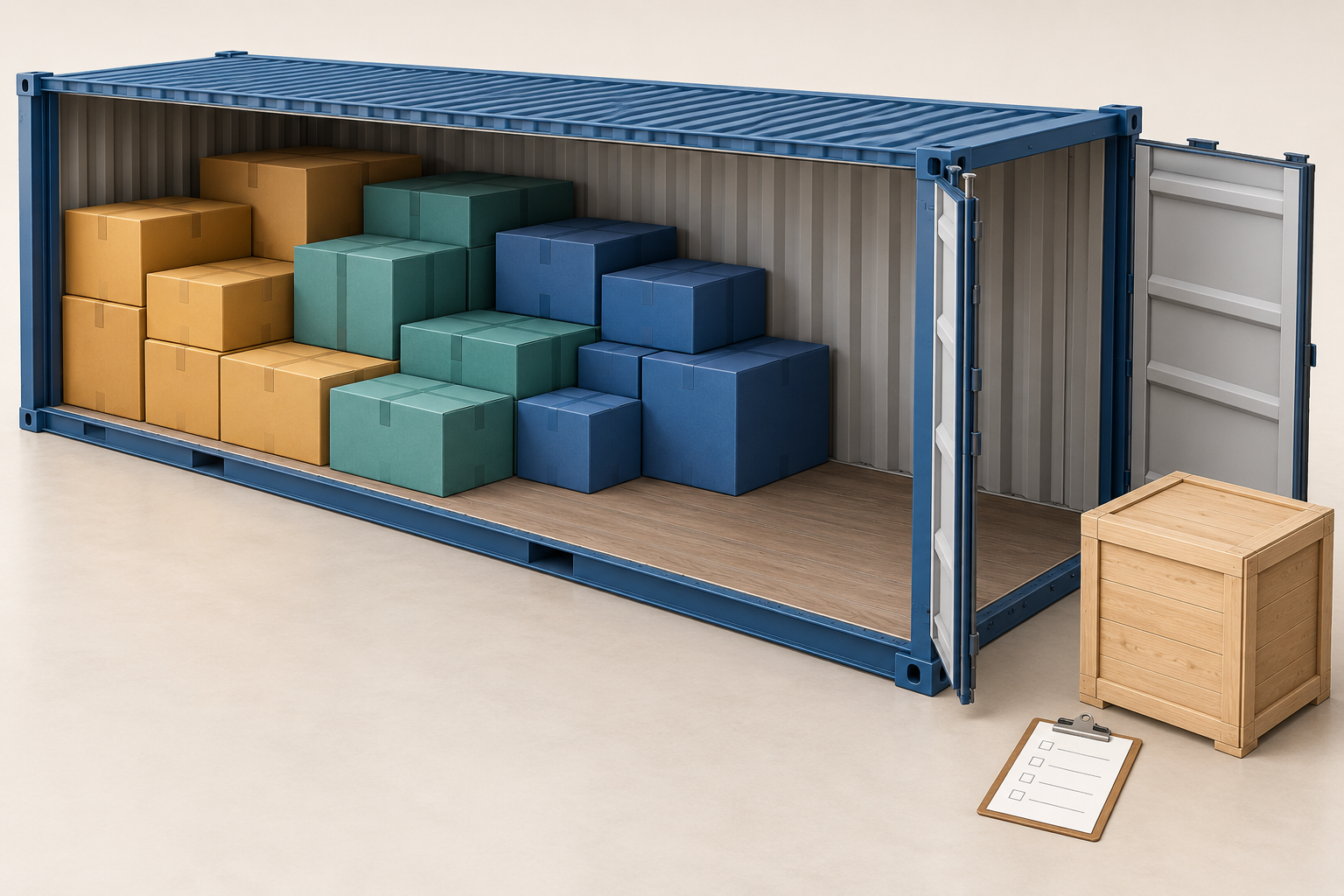
Identify the Method and Container
- Confirm the selected method and wait for its completed result. An old simulation is not the output of an alternative that is still running.
- Check which container is displayed. Combined shipment totals and one container’s contents answer different questions.
- Check that the input still matches the result. After changing quantities, dimensions, equipment or handling rules, calculate again before using the plan.
When comparing alternatives, keep the same order, equipment and effective rules. Two methods may have identical placed counts but different arrangements or known-mass distributions. The optimization guide covers method comparison; this page focuses on reading the selected result.
Reconcile Entered, Placed and Unplaced Units
| Example | Entered | Placed | Unplaced | Containers produced |
|---|---|---|---|---|
| Mixed cartons and cases | 55 | 55 | 0 | 1 |
| Standard cases plus an oversize unit | 81 | 80 | 1 | 5 |
The 55-unit order has 45 cartons measuring 80 x 60 x 40 cm at 20 kg each and ten cases measuring 120 x 100 x 100 cm at 125 kg each. Dimensions are length x width x height. Entered cargo totals 20.640 m³ and 2,150 kg; the plan accounts for all units.
The 81-unit order has 80 cases measuring 120 x 100 x 100 cm at 125 kg each and one 650 x 300 x 300 cm unit at 50 kg. Both examples use Horizontal Only, stackable boxes, normal priority, no stops, no palletizing and no extra global rules. No fragile, This Side Up or explicit stack-weight limit was entered for these synthetic fixtures. The 20DC profile is 589 x 235 x 239 cm with a 28,200 kg cargo-limit input.
For each SKU, entered quantity must equal placed plus unplaced quantity. A high utilization percentage does not explain away an unplaced unit. Even a fully placed order still needs actual packaging-strength, doorway, handling and securing checks.
Check Each Container’s SKU Breakdown
| Location | Standard cases | Oversize units | Known cargo mass (kg) |
|---|---|---|---|
| Container 1 | 18 | 0 | 2,250 |
| Container 2 | 18 | 0 | 2,250 |
| Container 3 | 18 | 0 | 2,250 |
| Container 4 | 18 | 0 | 2,250 |
| Container 5 | 8 | 0 | 1,000 |
| Unplaced | 0 | 1 | 50 |
This shipment remains incomplete. Placed cargo totals 80 units, 96.000 m³ and 10,000 kg. The remaining unit adds 58.500 m³ and 50 kg, making the entered total 154.500 m³ and 10,050 kg. Five is the count produced for these inputs, not a proven minimum or a transport solution for the oversize unit.
Match each displayed container’s row quantities to the order. Sum containers only within one alternative; do not add different alternative plans together. Keep the unplaced list with the shipment summary.
Use Colour Groups and Loading Steps as Review Aids
Use the selected container’s item groups and step information to inspect the represented units. Verify dimensions and identity against the input rows rather than counting coloured shapes by eye. A modelled envelope may represent one finished loaded pallet rather than all cartons inside it.
A playback order is not, by itself, a proven physical loading procedure. Check doorway passage, lifting equipment, support and access to the planned position. Where delivery stops matter, review their effective rules and the selected plan rather than assuming that the last visible unit will always be easiest to unload.
Interpret Rotation, Support and Estimated Weight Centre
Rotation in the drawing must follow the effective permission. Horizontal Only preserves the entered vertical dimension; it does not permit tipping onto another face. Keep loaded pallets and This Side Up goods upright. Unused space may reflect dimensions or handling constraints rather than a calculation error.
The estimated centre of gravity uses known mass components and modelled positions. Review its displayed scope and any missing mass data. A centred estimate is not proof of securing, axle compliance or transport safety. Cargo mass, pallet tare, additional materials, equipment tare and verified gross mass are not interchangeable figures.
A support check describes the software model. It does not establish real package strength or restraint. Named reference: IMO/ILO/UNECE, CTU Code, rechecked 7 October 2026, provides broader non-mandatory packing and handling guidance.
3D Loading Plan Questions
Why does a finished calculation still show unplaced cargo?
The calculation has produced a result, not necessarily placed the complete order. Read the unplaced rows, measurements and restrictions. The 81-unit example above finishes but leaves one incompatible unit unassigned.
Does empty space mean the optimizer failed?
Not necessarily. Dimensions, orientation, stacking, support and other rules can prevent using a gap. Compare another permitted method with identical inputs, but do not remove a real restriction just to fill the picture.
Why do two methods show the same count but different layouts?
They may select different valid arrangements or distribute known weight differently. Compare quantities, per-container rows and the relevant operational checks, not only the overall appearance.
Can the simulation or PDF certify the shipment?
No. They document modelled inputs and results within their scope. Verify actual equipment, cargo strength, loading access, mass and securing requirements separately. Retain unresolved checks and unplaced cargo instead of treating the drawing as approval.
Keep the Selected Plan’s Evidence
- Retain input rows, equipment, selected method and effective rules together.
- Check that report quantities and container selection match the intended run; a familiar filename alone does not identify a result.
- Document unplaced cargo and unresolved transport checks.
- After changing inputs or permissions, review the recalculated result and regenerate the relevant report.
These examples use retained installed-Worker runs in Node with independent quantity, geometry, support and weight checks. They do not identify a PDF or screenshot with the same coordinates. Use the step-by-step planning guide to prepare an order or open the 3D calculator to inspect your own result.
References and Check Date
Named technical reference: IMO/ILO/UNECE, CTU Code. Software examples: unchanged 20DC orders, Max Volume records and independent audits under CBM3 11.63.55, rechecked 7 October 2026. Modelled geometry is not a physical loading or securing trial.